Table of Contents
ToggleBlog & News
Latest
-
 06 11 月 2026V World Mobile Guide: Access, Home Screen Setup and Notifications
-
 23 7 月 2026VWorld Rewards Guide: V-Jackpot, V-Rebate & V-Rewards
-
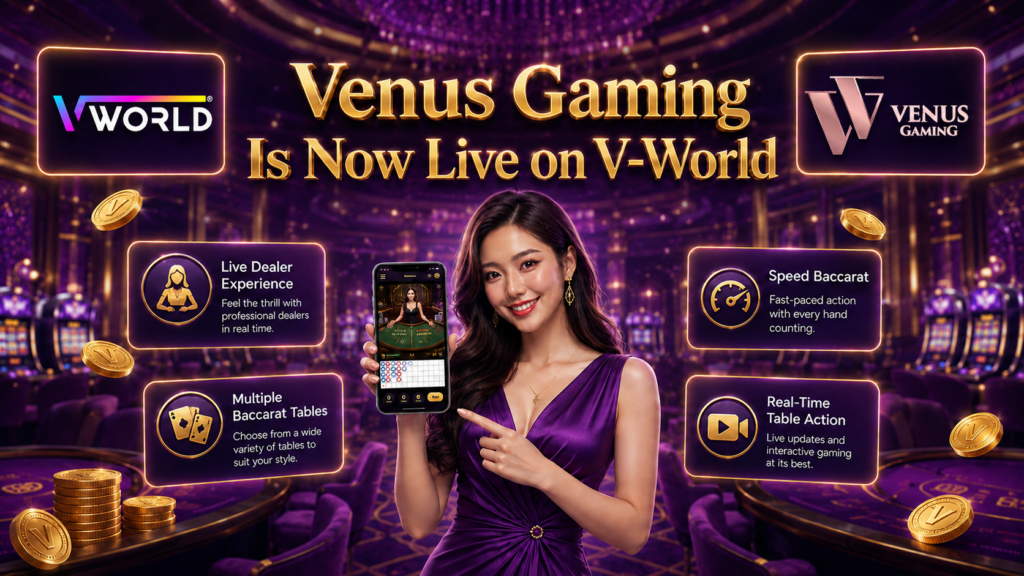 23 7 月 2026Venus Gaming Is Now Live on V-World: Explore a New Live Casino Experience
-
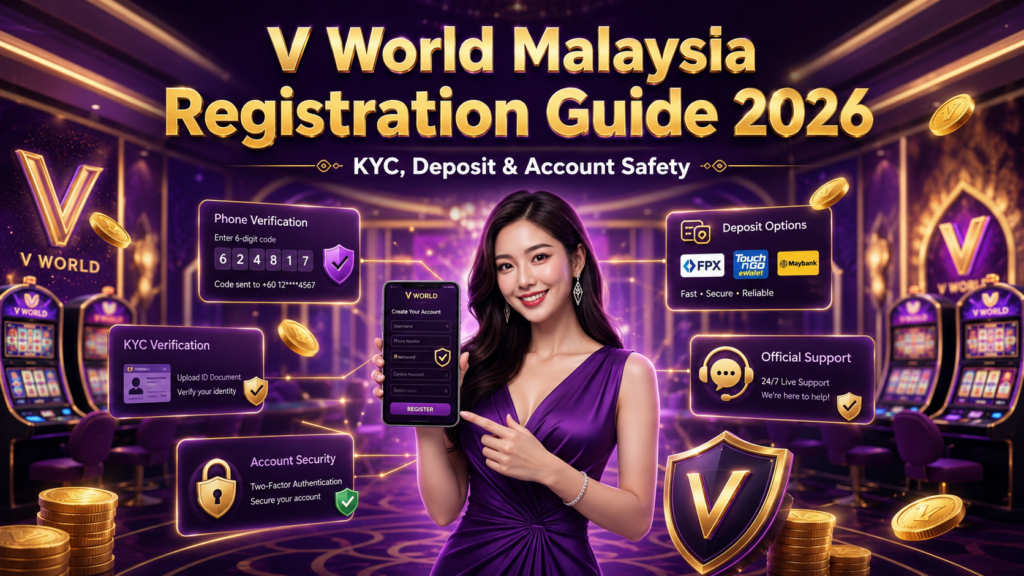 14 7 月 2026V World Malaysia Registration Guide 2026: KYC, Deposit and Account Safety
-
 24 4 月 2026Why Malaysians Are Exploring VWorld as a Beginner-Friendly Platform in 2026
-
 22 4 月 2026V World Singapore Is Back – Get FREE SGD 5 Bonus Now (No Deposit)

V World Mobile Guide 2026:
Access, Home Screen Setup and Notifications
Mobile access has become an essential part of the digital experience. Many users prefer accessing online platforms directly from their smartphones rather than relying on desktop computers.
V World offers a mobile-friendly experience that allows users to access the platform through compatible Android and iOS devices.
For users who prefer quicker access, V World also provides a web app installation option that adds an app icon to the phone’s home screen.
This guide explains how to install the V World web app, enable push notifications and manage common mobile access issues.
Can You Access V World on a Mobile Phone?
Yes. V World can be accessed through compatible mobile browsers on Android and iPhone devices.
Users can visit the official V World website to access their accounts, navigate available game categories and view platform information.
V World also provides a home screen installation feature for supported devices.
This allows users to open the platform using an icon on their phone instead of repeatedly entering the website address.
The interface and installation process may vary slightly depending on the phone model, browser and operating system.
What Is the V World PWA?
A Progressive Web App (PWA) is a website that uses web technologies to provide an app-like experience on supported devices.
V World’s mobile installation feature allows users to add the platform to their home screen and access it through a dedicated icon.
Depending on device compatibility and system permissions, supported features include:
- Home screen access
- An app-like mobile interface
- Convenient access to the platform
- Web push notifications
- Mobile-friendly navigation
Unlike a traditional app downloaded from an app store, a PWA uses web technologies and is managed through the browser and operating system.
The availability of individual features may differ between Android and iOS.
How to Install the V World App on Android
Android users can install the V World web app through the installation prompt displayed on the platform.
Follow these four steps:
Step 1: Open V World and Tap Continue
Visit the verified official V World website on your Android phone.
When the installation message appears, tap Continue.
Step 2: Tap Install
An installation confirmation window will appear.
Tap Install to add the V World web app to your device.
Step 3: Open and Log In to V World
After installation, locate the V World icon on your phone’s home screen.
Tap the icon to open the web app and log in to your account.
Step 4: Enable Push Notifications
When V World displays the notification setup prompt, tap Continue.
Your device will then ask whether V World is allowed to send notifications.
Tap Allow to grant permission.
Once enabled, your Android device can receive supported V World push notifications, subject to device settings and internet connectivity.
How to Install the V World App on iPhone (iOS)
iPhone users can also add V World to their home screen through the web app installation process.
Follow these four steps:
Step 1: Open V World and Tap Continue
Open the verified official V World website using Safari.
When the installation prompt appears, tap Continue.
Step 2: Add V World to Your Home Screen
Follow the displayed installation instructions.
When the Add to Home Screen window appears, make sure Open as Web App is enabled if the option is available.
Tap Add to complete the process.
Step 3: Open and Log In to V World
Locate the V World icon on your iPhone home screen.
Tap the icon to open the web app and log in to your account.
Step 4: Enable Push Notifications
When the notification setup message appears, tap Continue.
Your iPhone will display a system notification permission request.
Tap Allow to enable supported notifications.
Notification support depends on the iOS version, web app configuration and device settings.
How Do V World Push Notifications Work?
Push notifications are messages that can appear on a device even when the relevant website is not actively open.
V World uses push notification functionality to communicate selected platform updates to users who have enabled the feature.
Depending on the available campaigns and settings, notifications may include:
- Platform announcements
- Service updates
- New feature information
- Promotion and reward announcements
Users must grant notification permission before supported push notifications can be delivered.
Allowing notifications does not guarantee that every message will be received. Delivery can depend on internet connectivity, browser support, operating system settings and other technical conditions.
How to Manage V World Notification Settings
Users can enable or disable notifications through their device settings.
Android Notification Settings
- Open your phone’s Settings.
- Go to Apps or Notifications.
- Find the V World web app.
- Open its notification settings.
- Enable or disable notifications according to your preference.
The menu names may vary depending on the Android version and device manufacturer.
iPhone Notification Settings
- Open your iPhone’s Settings.
- Select Notifications.
- Locate V World in the available application list.
- Open its notification settings.
- Adjust Allow Notifications according to your preference.
If the V World web app is not listed, check whether it has been added to the home screen and whether notification permission has been requested.
How to Find Games, Promotions and Rewards on V World Mobile
V World’s mobile interface provides navigation sections for accessing platform information.
Users can explore available game categories and look for the relevant Promotions and Rewards sections.
For example, the mobile interface may display categories such as:
- Live Casino
- Slot Games
- Lottery
- Sports
- Poker
- Fishing
Available categories may change as the platform updates its game selection.
Users should check the current website interface for the latest available sections.
Promotion and reward information should always be reviewed together with the applicable terms and conditions.
What to Do If V World Is Not Working on Mobile
Mobile access issues can sometimes be caused by internet connectivity, browser compatibility or temporary service interruptions.
If V World does not load correctly, users can try the following:
- Check Your Internet Connection
Make sure Wi-Fi or mobile data is working properly.
- Reopen the Web App
Close the V World web app and open it again.
- Update Your Device
Check for available operating system and browser updates.
- Check Notification Permissions
If notifications are not appearing, review the relevant device settings.
- Review Official Platform Announcements
Temporary maintenance or service updates may affect access to certain features.
- Contact Official Customer Support
If an issue continues, contact V World through a verified official support channel.
Avoid downloading unofficial installation files or opening unfamiliar replacement links.
V World Mobile Access and Account Security
Mobile convenience should always be combined with appropriate account security practices.
Users are encouraged to:
- Access V World through verified official channels.
- Protect their login credentials.
- Never share passwords or OTP verification codes.
- Avoid using unknown download links.
- Keep their mobile devices updated.
- Log out when using shared devices.
A home screen icon can provide convenient access, but users should still remain cautious about suspicious links and impersonation attempts.