
Table of Contents
ToggleBlog & News
Latest
-
 23 7 月 2026VWorld Rewards Guide: V-Jackpot, V-Rebate & V-Rewards
 -
 23 7 月 2026Venus Gaming Is Now Live on V-World: Explore a New Live Casino Experience
 -
 14 7 月 2026V World Malaysia Registration Guide 2026: KYC, Deposit and Account Safety
 -
 24 4 月 2026Why Malaysians Are Exploring VWorld as a Beginner-Friendly Platform in 2026
 -
 22 4 月 2026V World Singapore Is Back – Get FREE SGD 5 Bonus Now (No Deposit)
 -
 20 4 月 2026VWorld Welcome Bonus – Get FREE RM20 Now (Malaysia Players)
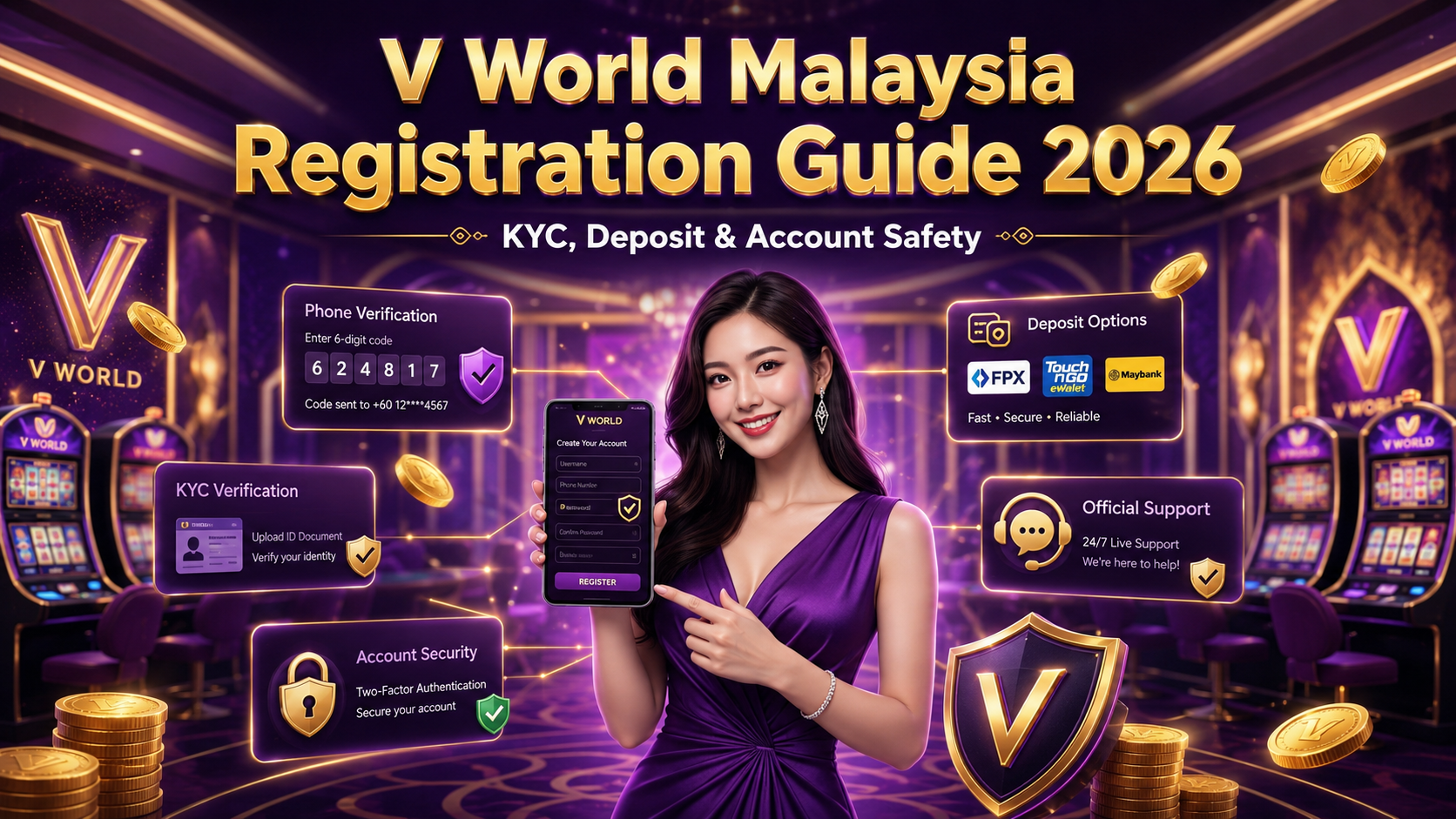
V World Malaysia Registration Guide 2026: KYC, Deposit and Account Safety
Registering on an online gaming platform for the first time may feel confusing, especially when different websites, Telegram accounts and registration links are available.
For Malaysian users who want to create a V World account, it is important to register through an official channel, enter accurate information and complete identity verification before requesting a withdrawal.
This guide explains how to register on V World through the official website or Telegram bot, complete KYC verification, make a deposit and protect your account.
V World is intended for adult users and recommends that users be aged 21 or above. Users should also ensure that they meet the applicable legal requirements in their location before registering.
What You Need Before Registering on V World
Before starting the V World registration process, prepare the following:
- An active Malaysian mobile number
- Access to SMS verification messages
- A username using English letters and numbers
- A secure and unique password
- Accurate personal information for identity verification
- A suitable payment method for future deposits
Entering correct information from the beginning can help reduce login, verification and withdrawal issues later.
Users should also confirm that they are registering through the official V World website, official registration QR code or verified Telegram bot.
Avoid opening registration links sent by unknown accounts, unofficial groups or unverified social media profiles.
How to Register on the V World Website
Users can create a V World account directly through the official website.
Step 1: Open the Official Registration Page
Enter the official V World website or scan an official registration QR code.
When users enter through an official referral link or QR code, the referral code will be filled in automatically. There is no need to type the referral code manually.
Before entering any information, check that the registration page comes from an official V World source.
Step 2: Create Your Account Name
Enter an account name containing English letters and numbers.
The username should contain between 4 and 10 characters.
Choose a username that is easy to remember but does not reveal sensitive personal information. Avoid using details such as your identification number, full date of birth or complete phone number.
Step 3: Enter Your Malaysian Mobile Number
Select Malaysia and the +60 country code, then enter your active mobile number.
Check the number carefully because the verification code will be sent to this phone.
After entering the number, select Send Message to request the verification code.
Step 4: Enter the Verification Code
Check your phone for the SMS verification message and enter the code into the registration form.
The verification code confirms that the mobile number belongs to you and allows the registration process to continue.
Never share your verification code with unknown individuals, other players or unofficial customer service accounts.
Step 5: Create and Confirm Your Password
Create a password containing between 6 and 12 characters, then enter the same password again in the confirmation field.
Avoid simple passwords such as:
- 123456
- Your phone number
- Your birthday
- Your account name
- A password already used for email or online banking
For better protection, use a unique combination of letters, numbers and symbols.
Step 6: Complete Your Registration
Review the information before submitting the registration form.
Once the account name, mobile verification code and password have been accepted, the V World account registration will be completed.
Users should save their login details securely and avoid storing the password on public or shared devices.
How to Register Through the Official V World Telegram Bot
V World also allows users to register through its official Telegram bot.
The registration process generally includes the following steps:
- Open the official V World Telegram bot.
- Select Start.
- Choose the registration option.
- Enter the requested account information.
- Provide an active Malaysian mobile number.
- Complete the phone verification process.
- Create and confirm an account password.
- Submit the information to complete registration.
Only use a Telegram bot obtained from the official V World website or another verified V World channel.
Scammers may create Telegram accounts that use similar names, profile pictures or logos. Before entering personal information, users should confirm that the bot is officially connected to V World.
Complete V World KYC Verification After Registration
Creating an account does not complete the full verification process.
After registration, users need to contact V World customer support to complete KYC identity verification.
KYC is used to confirm the identity of the account holder and reduce the risk of unauthorised account use.
Users can contact customer support through:
- Live Chat inside the official V World website
- An official Telegram human customer service account
Identity verification must be completed before a withdrawal can be processed.
The customer service team will explain what information is required during the verification process. Users should provide accurate information and only submit it through an official support channel.
When completing KYC:
- Use accurate personal details.
- Contact support through the official website or Telegram account.
- Do not send documents to unknown Telegram users.
- Never provide your account password.
- Never share your SMS verification code or OTP.
- Check the recipient before submitting personal information.
Users should complete verification early instead of waiting until they want to request a withdrawal.
V World Minimum Deposit and Payment Methods
The minimum deposit amount on V World is RM10.
Available deposit methods include:
- Auto Deposit
- DuitNow
- Touch ’n Go
- Cryptocurrency
- E-Wallet
- Online Banking
Users should select a payment method that they recognise and understand.
Before confirming a deposit, check:
- The deposit amount
- The selected payment method
- The recipient information
- The account details
- The payment instructions shown on the official platform
Keep a screenshot, transaction receipt or payment reference after completing the deposit. This information may help customer support check the transaction if the funds are delayed.
Do not transfer money based on payment information received from unknown individuals, unofficial Telegram groups or unverified social media accounts.
When unsure, confirm the payment details through V World Live Chat or official Telegram customer service before making the transaction.
How to Contact V World Customer Support
Users can contact V World customer support through two main channels:
Website Live Chat
The Live Chat function is available inside the official V World website.
Users can use Live Chat for assistance with:
- Registration issues
- KYC verification
- Account access
- Deposit questions
- Withdrawal verification
- Payment transaction checks
Official Telegram Customer Service
Users may also contact a human customer service representative through an official V World Telegram account.
Before starting a conversation, confirm that the Telegram account was obtained through an official source.
Avoid trusting Telegram accounts that contact you unexpectedly, ask for your password or request an SMS verification code.
How to Protect Your V World Account
Account security should be considered from the first day of registration.
Use a Unique Password
Do not use the same password for V World, email, social media, online banking and e-wallet accounts.
Reusing one password across several services increases the risk of multiple accounts being accessed if the password becomes exposed.
Keep Verification Codes Private
SMS verification codes and OTPs should never be shared with another person.
Users should be careful when someone claims to be customer service and asks for a temporary verification code. Account passwords and OTPs should remain private.
Avoid Unofficial Links
Do not click registration, deposit or withdrawal links sent by unknown accounts.
Fake websites may copy the V World name, logo and page design to make the website appear genuine. Always check the website address before entering login or payment information.
Use a Secure Internet Connection
Avoid using public Wi-Fi when making deposits, changing account information or handling withdrawal matters.
Use a trusted mobile connection or private Wi-Fi network whenever possible.
Log Out from Shared Devices
Do not save your password on public computers or devices shared with other people.
After using a shared device, log out completely and remove any saved account information.
Keep Transaction Records
Save deposit receipts, withdrawal references and relevant customer service conversations.
These records may be useful when requesting assistance with a transaction.
Check Withdrawal Information Carefully
V World requires users to complete identity verification before a withdrawal can be processed.
Users should make sure their personal and payment information is accurate before submitting a withdrawal request.
Incorrect details may cause delays during the verification process.
Before requesting a withdrawal:
- Confirm that KYC has been completed.
- Check the payment or withdrawal details.
- Make sure the account information is accurate.
- Keep the transaction reference.
- Contact official support when clarification is needed.
Users should not create another account when they experience a verification issue. Instead, contact customer support for assistance with the existing account.
Responsible Play Tips for Beginners
Account safety is not limited to passwords, verification and payment information. It also includes responsible management of spending and playing time.
V World users should treat online gaming as entertainment rather than a guaranteed way to earn money.
A responsible approach includes:
- Setting a fixed entertainment budget
- Using only money that can be comfortably spent
- Starting with a smaller amount
- Avoiding borrowed money
- Setting a personal time limit
- Taking regular breaks
- Avoiding attempts to recover losses quickly
- Stopping when the planned budget has been reached
No game, platform or playing method can guarantee a winning result.
Users should be careful with websites, social media accounts or Telegram groups that promise guaranteed wins, fixed profits or risk-free returns.
Common V World Registration Mistakes to Avoid
New users can reduce unnecessary problems by avoiding several common mistakes.
Entering the Wrong Mobile Number
An incorrect mobile number prevents the user from receiving the verification code and may create account recovery problems later.
Using Inaccurate Personal Information
The details provided during registration should be accurate and consistent with the information used during KYC verification.
Registering Through an Unofficial Link
Unknown registration links may lead to fake websites or fraudulent Telegram bots.
Use the official website, QR code or verified Telegram bot.
Sharing Passwords or Verification Codes
Users should never share their login password, SMS code or OTP with another person.
Waiting Until Withdrawal to Complete KYC
Verification is required before withdrawal. Completing KYC earlier may help reduce delays later.
Depositing Without Checking Payment Details
Always confirm that the payment instructions came from the official platform or verified customer support channel.
Using the Same Password Everywhere
A separate V World password provides better protection if another online account becomes compromised.
Final Thoughts
Registering on V World is simple when users follow the official registration process, provide accurate information and complete KYC verification through verified customer support.
Before making a deposit, users should confirm the payment details, protect their login information and use only official V World channels. V World recommends that users be aged 21 or above and comply with the applicable legal requirements in their location.